In this article
Buying property usually takes weeks, sometimes months. During that time buyers need to hear from you at the right moments, or they forget you or go elsewhere. Salespeople cannot remember hundreds of leads. Automation keeps the repetitive tasks running consistently, so people can focus on actually advising buyers.
1. Respond the moment someone signs up
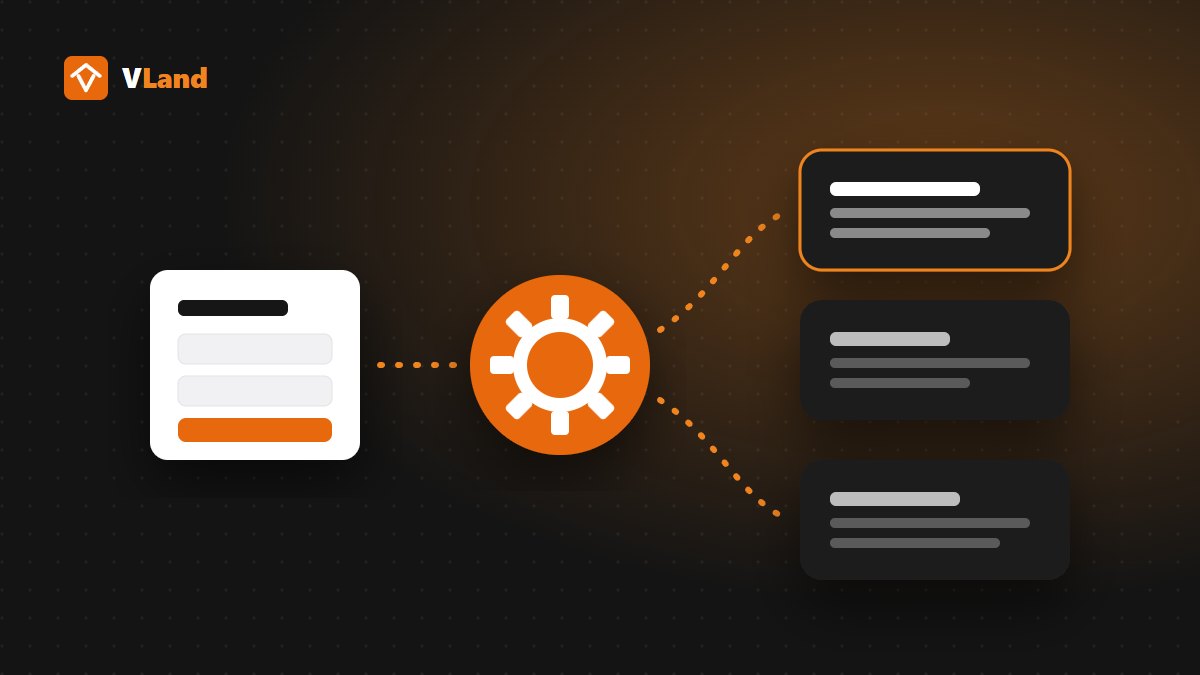
As soon as a buyer submits the form, the system can:
- Show a thank-you message and tell them when to expect a call.
- Send a confirmation email with project documents such as the price list or floor plans.
- Notify the salesperson in charge by email or message straight away.
The buyer feels looked after, and the salesperson has everything needed to call right away. See also how to manage leads from your website.
2. Viewing reminders
Buyers booking a viewing and then forgetting is common. A reminder the day before and a few hours before, with the address and a map, noticeably reduces missed appointments.
3. Project updates for buyers who are still deciding
For buyers who are not ready yet, send genuinely useful updates from time to time: construction progress, new sales policies, the next release. Email works well for longer content with images. On Zalo, businesses can use a Zalo Official Account to message interested customers, following Zalo's policies.
4. Reminders for your own sales team
Automation is not only for customers. The system can remind salespeople to call a lead back after a few days, alert managers when a new lead has not been contacted, or reassign a lead that has been left too long.
5. Congratulate and stay in touch after the sale
Past buyers are your best source of referrals. A birthday message, a handover anniversary or news about a suitable new project keeps you in touch without anyone having to remember.
What not to automate
- Real advice: questions about legal status, financing or choosing a unit need an experienced person.
- Message floods: sending too much gets you blocked or unsubscribed.
- Contacting people who have not agreed: only message buyers who left their details and agreed to be contacted, and always give them a way to opt out.
Start with the simplest step
You do not need a complex system from day one. A form that sends leads to Google Sheets, plus an instant email to the person in charge, already solves the most important problem: nobody is left waiting. Once that works, add confirmation emails and reminders, then a CRM. See also when you need a CRM.
Websites built by VLand come with a form that sends leads to Google Sheets and email instantly, and more automated flows can be added when you need them. Get in touch with VLand for advice.